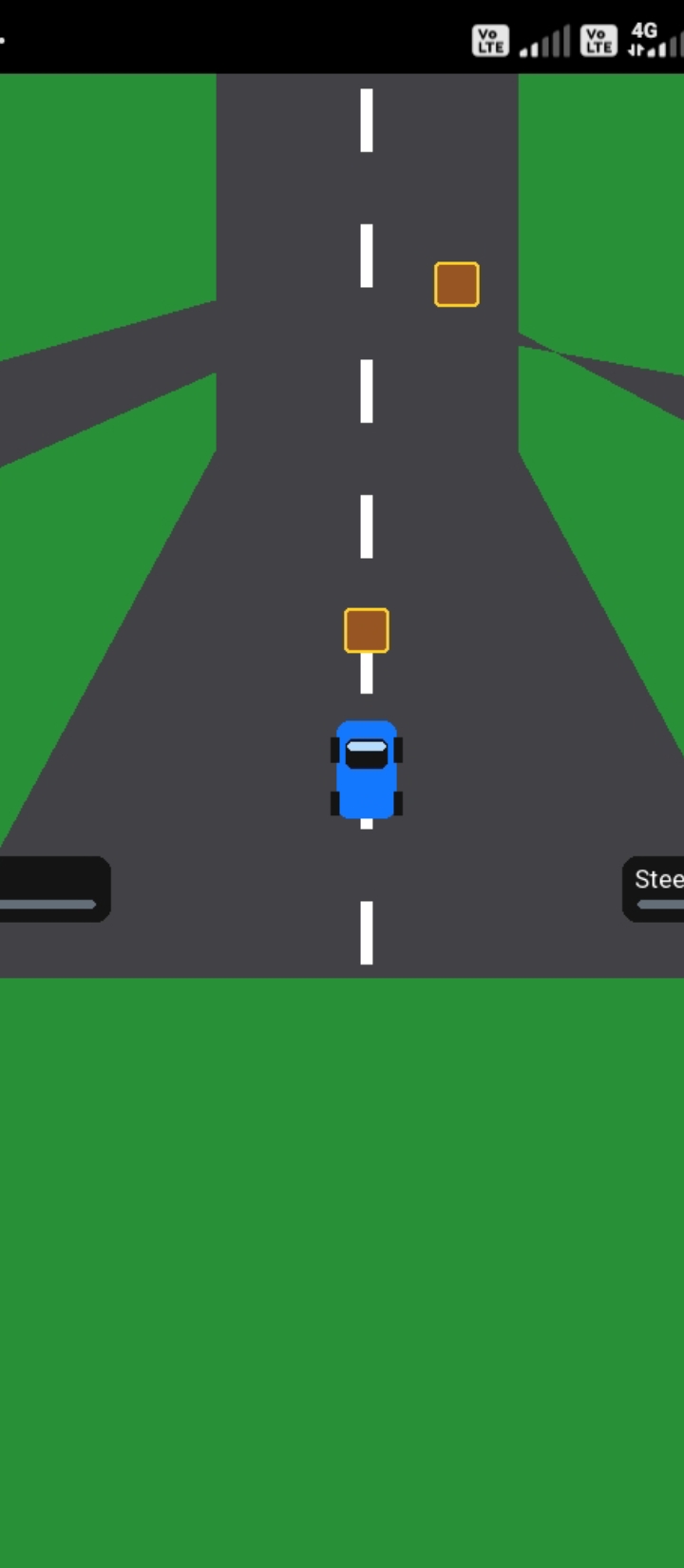
Sk.py
A downloadable game for Windows, macOS, Linux, and Android
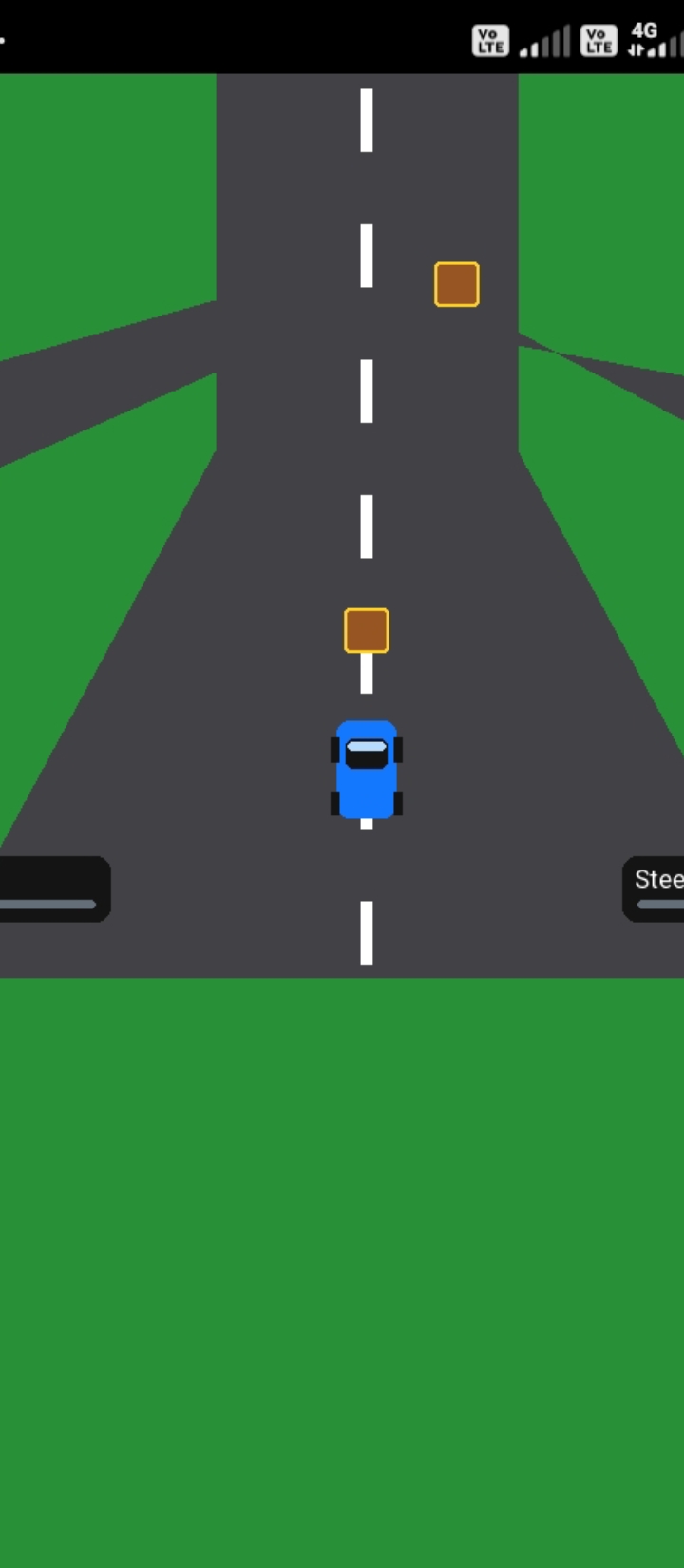
import pygame
import random
import sys
pygame.init()
WIDTH, HEIGHT = 800, 600
screen = pygame.display.set_mode((WIDTH, HEIGHT))
pygame.display.set_caption("Three Way Car Game")
clock = pygame.time.Clock()
WHITE = (255, 255, 255)
BLACK = (20, 20, 20)
GREEN = (40, 145, 55)
ROAD = (65, 65, 70)
BLUE = (20, 120, 255)
BROWN = (150, 85, 35)
YELLOW = (255, 210, 40)
font = pygame.font.SysFont("arial", 24, bold=True)
small_font = pygame.font.SysFont("arial", 17)
car_x = WIDTH // 2
car_y = 465
car_speed = 5
steering = 0
car_rect = pygame.Rect(car_x - 20, car_y - 35, 40, 65)
boxes = []
score = 0
game_over = False
paused = False
def draw_car(x, y):
# Car body
pygame.draw.rect(screen, BLUE, (x - 20, y - 35, 40, 65),
border_radius=8)
pygame.draw.rect(screen, BLACK, (x - 14, y - 23, 28, 20),
border_radius=5)
pygame.draw.rect(screen, (180, 220, 255),
(x - 13, y - 21, 26, 6), border_radius=3)
# Wheels
pygame.draw.rect(screen, BLACK, (x - 24, y - 24, 6, 17))
pygame.draw.rect(screen, BLACK, (x + 18, y - 24, 6, 17))
pygame.draw.rect(screen, BLACK, (x - 24, y + 12, 6, 16))
pygame.draw.rect(screen, BLACK, (x + 18, y + 12, 6, 16))
def draw_road():
screen.fill(GREEN)
# Three-way road: centre, left and right branches
pygame.draw.polygon(screen, ROAD, [
(300, 0), (500, 0), (500, 250),
(690, 600), (110, 600), (300, 250)
])
# Branches at the junction
pygame.draw.polygon(screen, ROAD, [
(300, 150), (340, 180), (0, 330),
(0, 235)
])
pygame.draw.polygon(screen, ROAD, [
(460, 150), (500, 180), (800, 235),
(800, 330)
])
# Centre road markings
for y in range(10, HEIGHT, 90):
pygame.draw.rect(screen, WHITE, (396, y, 8, 42))
# Roadside trees
for x, y in [(65, 100), (740, 90), (60, 420), (740, 430)]:
pygame.draw.circle(screen, (15, 90, 25), (x, y), 24)
pygame.draw.rect(screen, BROWN, (x - 5, y + 12, 10, 20))
def spawn_box():
lane_x = random.choice([340, 400, 460])
boxes.append(pygame.Rect(lane_x - 15, -35, 30, 30))
def draw_slider(x, y, width, value, maximum, label):
pygame.draw.rect(screen, BLACK, (x, y, width, 44),
border_radius=10)
screen.blit(small_font.render(label, True, WHITE), (x + 8, y + 5))
bar_x, bar_y = x + 10, y + 29
bar_width = width - 20
pygame.draw.rect(screen, (100, 110, 120),
(bar_x, bar_y, bar_width, 6),
border_radius=4)
knob_x = bar_x + int((value / maximum) * bar_width)
pygame.draw.circle(screen, YELLOW, (knob_x, bar_y + 3), 8)
def reset_game():
global car_x, car_speed, boxes, score, game_over
car_x = WIDTH // 2
car_speed = 5
boxes = []
score = 0
game_over = False
spawn_timer = 0
running = True
while running:
clock.tick(60)
for event in pygame.event.get():
if event.type == pygame.QUIT:
running = False
if event.type == pygame.KEYDOWN:
if event.key == pygame.K_ESCAPE:
running = False
if game_over and event.key == pygame.K_r:
reset_game()
if event.key == pygame.K_SPACE:
paused = not paused
if event.type == pygame.MOUSEBUTTONDOWN:
mx, my = event.pos
if game_over:
if 300 < mx < 500 and 300 < my < 360:
reset_game()
elif 10 < mx < 230 and 520 < my < 580:
car_speed = max(1, min(10, int((mx - 20) / 20)))
elif 570 < mx < 790 and 520 < my < 580:
steering = -1 if mx < 680 else 1
keys = pygame.key.get_pressed()
if not game_over and not paused:
if keys[pygame.K_LEFT] or keys[pygame.K_a]:
car_x -= 5
if keys[pygame.K_RIGHT] or keys[pygame.K_d]:
car_x += 5
if keys[pygame.K_UP] or keys[pygame.K_w]:
car_speed = min(10, car_speed + 0.1)
if keys[pygame.K_DOWN] or keys[pygame.K_s]:
car_speed = max(1, car_speed - 0.1)
car_x = max(310, min(490, car_x))
car_rect = pygame.Rect(car_x - 20, car_y - 35, 40, 65)
spawn_timer += 1
if spawn_timer > 45:
spawn_box()
spawn_timer = 0
for box in boxes[:]:
box.y += int(car_speed)
if box.top > HEIGHT:
boxes.remove(box)
score += 1
elif car_rect.colliderect(box):
game_over = True
draw_road()
# Boxes on the road
for box in boxes:
pygame.draw.rect(screen, BROWN, box, border_radius=3)
pygame.draw.rect(screen, YELLOW, box, 2, border_radius=3)
draw_car(car_x, car_y)
screen.blit(font.render(f"Speed: {int(car_speed)}",
True, WHITE), (20, 15))
screen.blit(font.render(f"Score: {score}",
True, WHITE), (650, 15))
draw_slider(10, 520, 220, car_speed, 10, "Speed: W/S")
draw_slider(570, 520, 220, steering + 1, 2, "Steering: A/D")
if game_over:
overlay = pygame.Surface((WIDTH, HEIGHT), pygame.SRCALPHA)
overlay.fill((0, 0, 0, 175))
screen.blit(overlay, (0, 0))
title = font.render("GAME OVER!", True, WHITE)
info = font.render(f"Your Score: {score}", True, YELLOW)
restart = small_font.render("Click button or press R to restart",
True, WHITE)
screen.blit(title, title.get_rect(center=(400, 240)))
screen.blit(info, info.get_rect(center=(400, 275)))
pygame.draw.rect(screen, GREEN, (300, 300, 200, 60),
border_radius=10)
screen.blit(restart, restart.get_rect(center=(400, 330)))
if paused and not game_over:
msg = font.render("PAUSED - Press SPACE", True, WHITE)
screen.blit(msg, msg.get_rect(center=(400, 250)))
pygame.display.flip()
pygame.quit()
sys.exit()
import pygame
import random
import sys
pygame.init()
WIDTH, HEIGHT = 800, 600
screen = pygame.display.set_mode((WIDTH, HEIGHT))
pygame.display.set_caption("Three Way Car Game")
clock = pygame.time.Clock()
WHITE = (255, 255, 255)
BLACK = (20, 20, 20)
GREEN = (40, 145, 55)
ROAD = (65, 65, 70)
BLUE = (20, 120, 255)
BROWN = (150, 85, 35)
YELLOW = (255, 210, 40)
font = pygame.font.SysFont("arial", 24, bold=True)
small_font = pygame.font.SysFont("arial", 17)
car_x = WIDTH // 2
car_y = 465
car_speed = 5
steering = 0
car_rect = pygame.Rect(car_x - 20, car_y - 35, 40, 65)
boxes = []
score = 0
game_over = False
paused = False
def draw_car(x, y):
# Car body
pygame.draw.rect(screen, BLUE, (x - 20, y - 35, 40, 65),
border_radius=8)
pygame.draw.rect(screen, BLACK, (x - 14, y - 23, 28, 20),
border_radius=5)
pygame.draw.rect(screen, (180, 220, 255),
(x - 13, y - 21, 26, 6), border_radius=3)
# Wheels
pygame.draw.rect(screen, BLACK, (x - 24, y - 24, 6, 17))
pygame.draw.rect(screen, BLACK, (x + 18, y - 24, 6, 17))
pygame.draw.rect(screen, BLACK, (x - 24, y + 12, 6, 16))
pygame.draw.rect(screen, BLACK, (x + 18, y + 12, 6, 16))
def draw_road():
screen.fill(GREEN)
# Three-way road: centre, left and right branches
pygame.draw.polygon(screen, ROAD, [
(300, 0), (500, 0), (500, 250),
(690, 600), (110, 600), (300, 250)
])
# Branches at the junction
pygame.draw.polygon(screen, ROAD, [
(300, 150), (340, 180), (0, 330),
(0, 235)
])
pygame.draw.polygon(screen, ROAD, [
(460, 150), (500, 180), (800, 235),
(800, 330)
])
# Centre road markings
for y in range(10, HEIGHT, 90):
pygame.draw.rect(screen, WHITE, (396, y, 8, 42))
# Roadside trees
for x, y in [(65, 100), (740, 90), (60, 420), (740, 430)]:
pygame.draw.circle(screen, (15, 90, 25), (x, y), 24)
pygame.draw.rect(screen, BROWN, (x - 5, y + 12, 10, 20))
def spawn_box():
lane_x = random.choice([340, 400, 460])
boxes.append(pygame.Rect(lane_x - 15, -35, 30, 30))
def draw_slider(x, y, width, value, maximum, label):
pygame.draw.rect(screen, BLACK, (x, y, width, 44),
border_radius=10)
screen.blit(small_font.render(label, True, WHITE), (x + 8, y + 5))
bar_x, bar_y = x + 10, y + 29
bar_width = width - 20
pygame.draw.rect(screen, (100, 110, 120),
(bar_x, bar_y, bar_width, 6),
border_radius=4)
knob_x = bar_x + int((value / maximum) * bar_width)
pygame.draw.circle(screen, YELLOW, (knob_x, bar_y + 3), 8)
def reset_game():
global car_x, car_speed, boxes, score, game_over
car_x = WIDTH // 2
car_speed = 5
boxes = []
score = 0
game_over = False
spawn_timer = 0
running = True
while running:
clock.tick(60)
for event in pygame.event.get():
if event.type == pygame.QUIT:
running = False
if event.type == pygame.KEYDOWN:
if event.key == pygame.K_ESCAPE:
running = False
if game_over and event.key == pygame.K_r:
reset_game()
if event.key == pygame.K_SPACE:
paused = not paused
if event.type == pygame.MOUSEBUTTONDOWN:
mx, my = event.pos
if game_over:
if 300 < mx < 500 and 300 < my < 360:
reset_game()
elif 10 < mx < 230 and 520 < my < 580:
car_speed = max(1, min(10, int((mx - 20) / 20)))
elif 570 < mx < 790 and 520 < my < 580:
steering = -1 if mx < 680 else 1
keys = pygame.key.get_pressed()
if not game_over and not paused:
if keys[pygame.K_LEFT] or keys[pygame.K_a]:
car_x -= 5
if keys[pygame.K_RIGHT] or keys[pygame.K_d]:
car_x += 5
if keys[pygame.K_UP] or keys[pygame.K_w]:
car_speed = min(10, car_speed + 0.1)
if keys[pygame.K_DOWN] or keys[pygame.K_s]:
car_speed = max(1, car_speed - 0.1)
car_x = max(310, min(490, car_x))
car_rect = pygame.Rect(car_x - 20, car_y - 35, 40, 65)
spawn_timer += 1
if spawn_timer > 45:
spawn_box()
spawn_timer = 0
for box in boxes[:]:
box.y += int(car_speed)
if box.top > HEIGHT:
boxes.remove(box)
score += 1
elif car_rect.colliderect(box):
game_over = True
draw_road()
# Boxes on the road
for box in boxes:
pygame.draw.rect(screen, BROWN, box, border_radius=3)
pygame.draw.rect(screen, YELLOW, box, 2, border_radius=3)
draw_car(car_x, car_y)
screen.blit(font.render(f"Speed: {int(car_speed)}",
True, WHITE), (20, 15))
screen.blit(font.render(f"Score: {score}",
True, WHITE), (650, 15))
draw_slider(10, 520, 220, car_speed, 10, "Speed: W/S")
draw_slider(570, 520, 220, steering + 1, 2, "Steering: A/D")
if game_over:
overlay = pygame.Surface((WIDTH, HEIGHT), pygame.SRCALPHA)
overlay.fill((0, 0, 0, 175))
screen.blit(overlay, (0, 0))
title = font.render("GAME OVER!", True, WHITE)
info = font.render(f"Your Score: {score}", True, YELLOW)
restart = small_font.render("Click button or press R to restart",
True, WHITE)
screen.blit(title, title.get_rect(center=(400, 240)))
screen.blit(info, info.get_rect(center=(400, 275)))
pygame.draw.rect(screen, GREEN, (300, 300, 200, 60),
border_radius=10)
screen.blit(restart, restart.get_rect(center=(400, 330)))
if paused and not game_over:
msg = font.render("PAUSED - Press SPACE", True, WHITE)
screen.blit(msg, msg.get_rect(center=(400, 250)))
pygame.display.flip()
pygame.quit()
sys.exit()
Purchase
In order to download this game you must purchase it at or above the minimum price of $1 USD. You will get access to the following files when they are released: